Welcome to a curated showcase of captivating visuals and seamless storytelling. Here, every cut, transition, and effect transforms moments into unforgettable narratives. Dive into a collection of projects that celebrate creativity, precision, and the art of video editing where every frame tells a story.

Phone

+8809697610493

Email

contact@romansazzad.com

Website

romansazzad.com

Address

Sylhet Sadar, Sylhet, Bangladesh
Social Links

What’s New in After Effects & Premiere Pro (Latest Update)

What’s New in After Effects & Premiere Pro (Latest Update)

What’s New in After Effects & Premiere Pro (Latest Update)

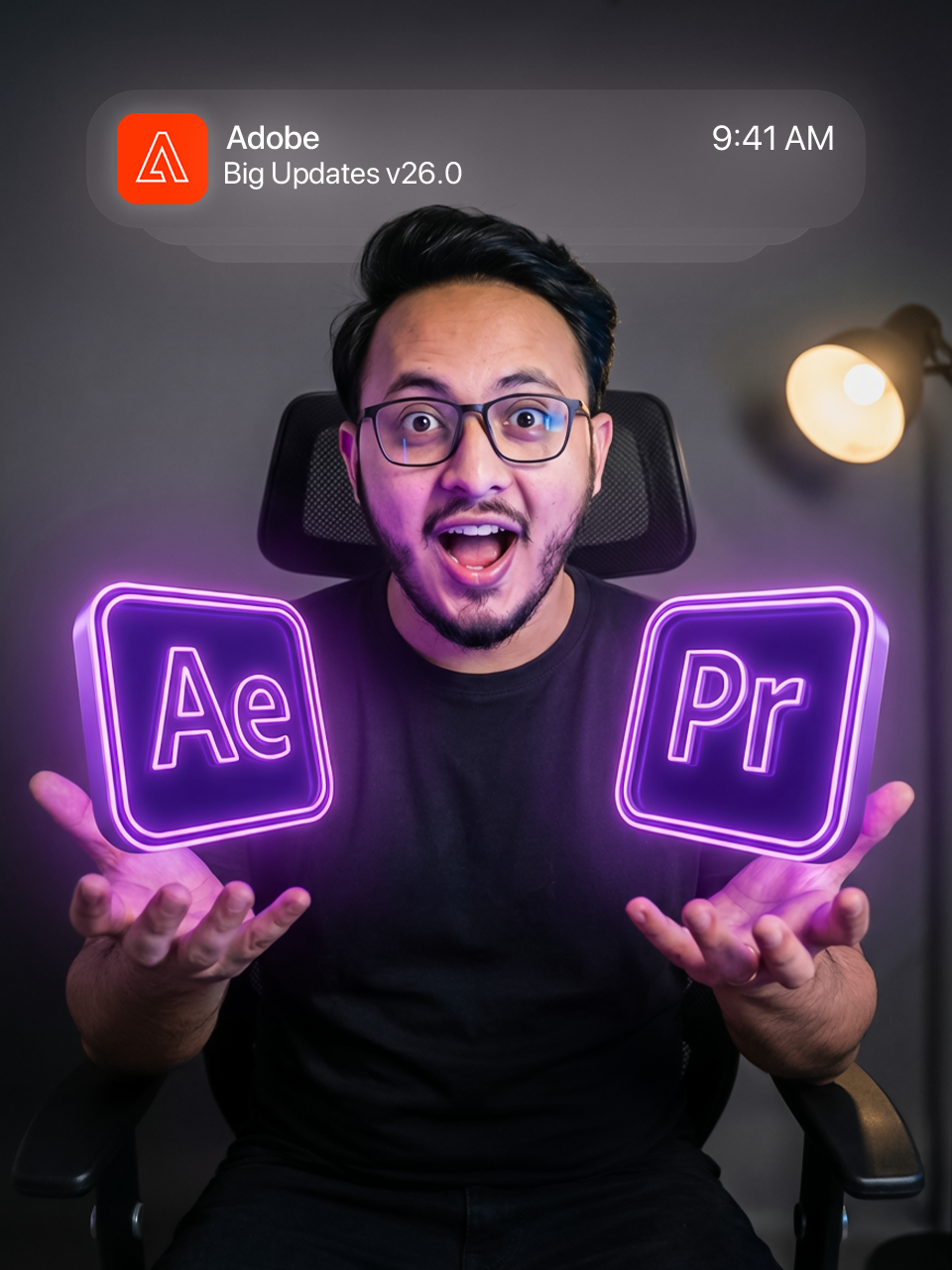
Adobe has released new updates for Adobe After Effects and Adobe Premiere Pro, with a strong focus on performance, AI-assisted tools, and workflow efficiency for editors and motion designers.


After Effects – What’s New

Native 3D & Modeling Improvements

  • After Effects now supports parametric 3D meshes, including cubes, spheres, cones, and cylinders.
  • These shapes are fully editable at any stage of the project.
  • This reduces the need to jump into external 3D software for common motion graphics tasks.
  • Ideal for logo animations, title sequences, and abstract 3D motion.

Substance 3D Materials Support

  • You can now apply Substance 3D (.sbsar) materials directly to 3D objects.
  • Materials are adjustable with parameters like texture detail, roughness, and surface variation.
  • Enables more realistic or stylized looks directly inside After Effects.
  • A big step toward making After Effects more self-sufficient for 3D motion design.

Improved 3D Lighting & Shadows

  • Major upgrades to 3D lighting inside After Effects.
  • Support for multiple light types, including:
    • Spot lights
    • Parallel lights
    • Environment lights
  • Lights can now cast realistic shadows in 3D scenes.
  • Adds depth, realism, and better visual control to compositions.

Typography & Text Animation Enhancements

  • Full support for OpenType variable fonts.
  • Animate font properties such as:
    • Weight
    • Width
    • Slant
  • Allows smoother and more expressive text animations.
  • Especially useful for branding, kinetic typography, and logo motion.

Vector & Design Workflow Improvements

  • Illustrator files convert more accurately into shape layers.
  • Gradients, strokes, and transparency are preserved during conversion.
  • SVG files can now be imported and converted directly into editable shape layers.
  • Improves collaboration between designers and motion artists.

Utility Effects & Performance

  • New Unmult effect helps remove solid black or white backgrounds from assets.
  • Smoother preview playback and better memory handling.
  • Improved preview compression allows longer previews without quality loss.
  • Overall stability improvements for complex and heavy projects.

Premiere Pro – What’s New

AI-Powered Masking & Object Selection

  • Premiere Pro introduces AI-based object masking.
  • Automatically detects and tracks subjects with minimal manual work.
  • Masks can be used for color correction, effects, and creative isolation.
  • Saves significant time on rotoscoping and selective adjustments.

Improved Timeline & Editing Performance

  • Better timeline responsiveness, especially on long-form projects.
  • Smoother playback for high-resolution and complex sequences.
  • Faster handling of effects-heavy timelines.
  • Designed to reduce lag and improve editing flow.

Enhanced Masking & Effects Controls

  • Shape masks (rectangle, ellipse, pen) have improved tracking accuracy.
  • More intuitive controls for refining masks.
  • Faster adjustments directly in the Effect Controls panel.

Workflow & Integration Updates

  • Tighter integration with Adobe’s ecosystem, including Firefly and Frame.io.
  • Easier collaboration through improved review and feedback workflows.
  • Better handoff between Premiere Pro, After Effects, and other Adobe apps.

Format & Codec Support

  • Improved support for modern camera formats and media types.
  • Better handling of MKV and other commonly used file formats.
  • More reliable native playback without unnecessary transcoding.

Overall Premiere Pro Improvements

  • Faster editing with fewer interruptions.
  • AI tools assist with repetitive tasks while maintaining creative control.
  • Designed for both short-form creators and long-form professional editors.

Closing Statement

  • These updates show Adobe’s clear direction:
    • Faster performance
    • Smarter AI-assisted tools
    • Stronger integration across apps
  • Together, After Effects and Premiere Pro are becoming more efficient, more powerful, and better suited for modern post-production workflows.


3 min read
Jan 24, 2026
By Roman Sazzad
Share

Leave a comment

Your email address will not be published. Required fields are marked *